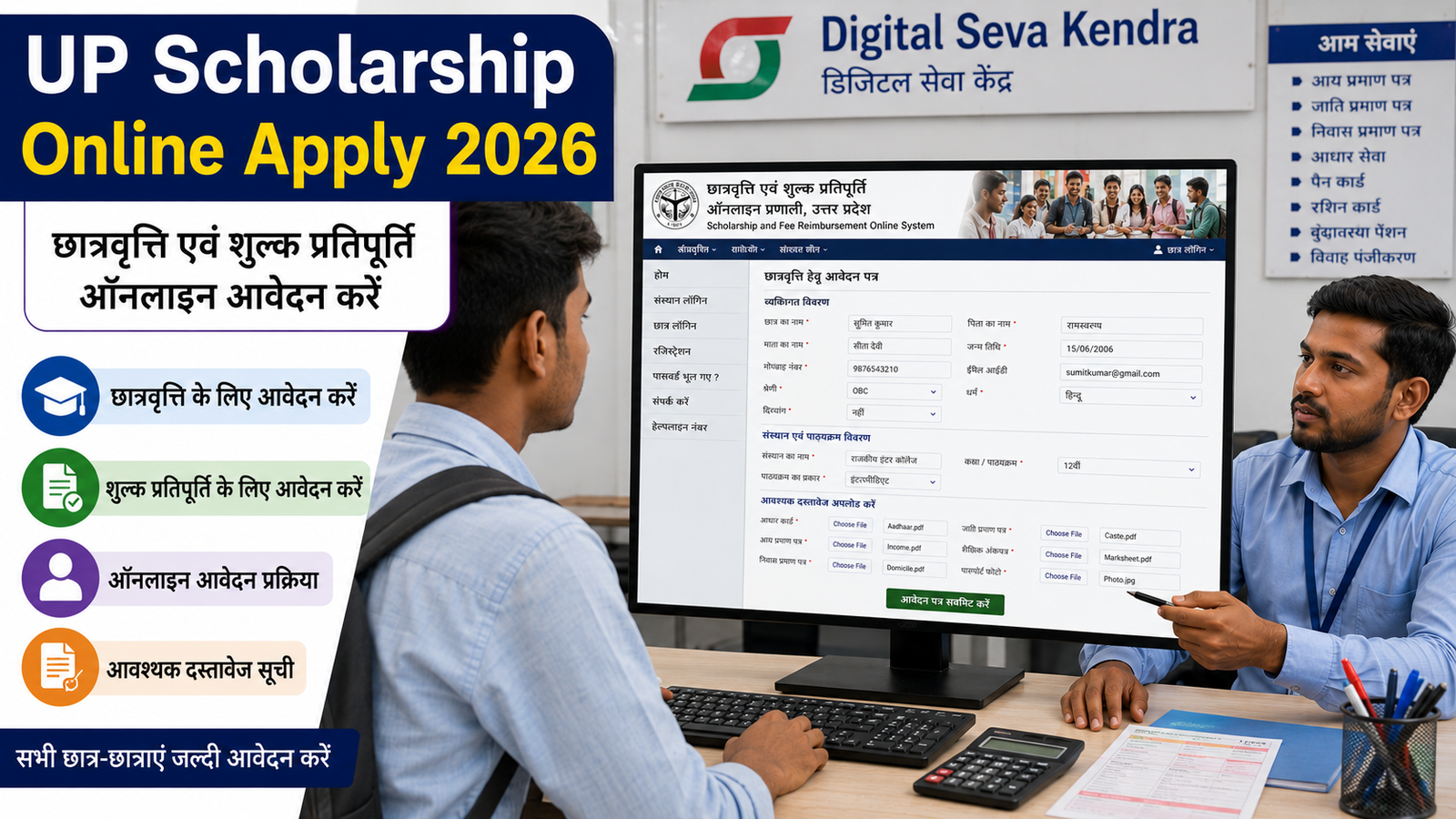
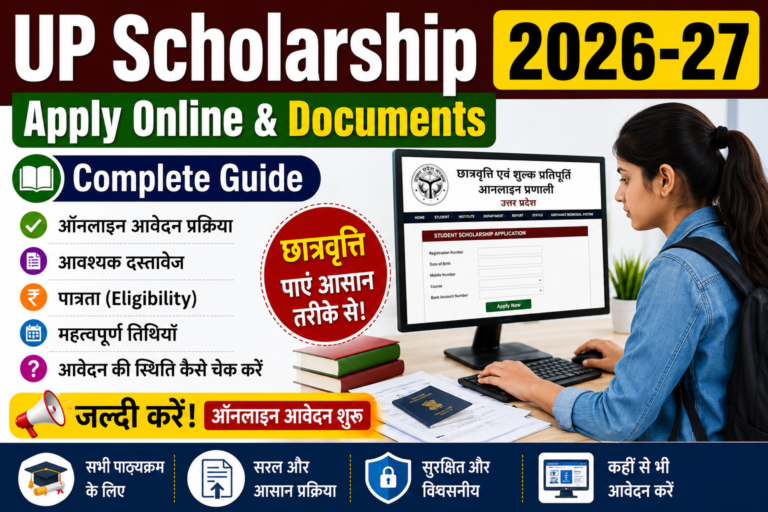
UP Scholarship Online Apply 2026 – छात्रवृत्ति एवं शुल्क प्रतिपूर्ति आवेदन
उत्तर प्रदेश में विद्यार्थियों के लिए छात्रवृत्ति एवं शुल्क प्रतिपूर्ति ऑनलाइन प्रणाली (UP Scholarship) उपलब्ध है। इस portal के माध्यम से eligible students scholarship और fee reimbursement से संबंधित application online submit कर सकते हैं।
इस guide में UP Scholarship Online Apply 2026 की पूरी प्रक्रिया आसान भाषा में समझाई गई है। इसमें registration, student login, Fresh और Renewal application, form filling, documents, Aadhaar और bank details, final submit, print, status check और common mistakes की जानकारी दी गई है।
महत्वपूर्ण: Scholarship की eligibility, dates, documents, income limit, fee और अन्य rules course, category, class और academic session के अनुसार अलग हो सकते हैं। Application करते समय official portal पर दिखाई गई current information को ही अंतिम मानें।
UP Scholarship Portal क्या है?
UP Scholarship and Fee Reimbursement Online System उत्तर प्रदेश के विद्यार्थियों के लिए scholarship और fee reimbursement से संबंधित online application system है।
Official portal पर students scholarship application से संबंधित registration, login और application process पूरा कर सकते हैं।
इसलिए application शुरू करने से पहले अपने course और category के लिए official portal पर current eligibility और scheme details check करें।
UP Scholarship में Fresh और Renewal क्या है?
Fresh Application
अगर student पहली बार संबंधित scholarship के लिए application कर रहा है या portal पर उसके लिए Fresh application लागू है, तो Fresh option का उपयोग किया जाता है।
Renewal Application
अगर student पहले scholarship प्राप्त कर चुका है और अगले session में renewal के लिए eligible है, तो Renewal option का उपयोग किया जाता है।
Fresh और Renewal का selection गलत न करें।
UP Scholarship Apply करने से पहले क्या तैयार रखें?
Application शुरू करने से पहले आवश्यक information और documents तैयार रखें।
आमतौर पर student को इन details की जरूरत पड़ सकती है:
Aadhaar Card
Mobile Number
Student personal details
माता-पिता/अभिभावक की जानकारी
Caste Certificate
Income Certificate
Domicile Certificate
Bank Account Details
Previous Class/Exam Details
School/College Details
Course Details
Fee Details
Passport Size Photograph
अन्य documents, यदि scheme में मांगे जाएं
Exact documents scheme और current portal requirements के अनुसार check करें।
Homepage पर scholarship और fee reimbursement से संबंधित options दिखाई देंगे।
किसी third-party website पर अपनी Aadhaar, bank या personal details दर्ज न करें।
Step 2: अपनी Scholarship Category चुनें
Portal पर उपलब्ध current options में अपने class/course और application type के अनुसार सही scholarship category चुनें।
उदाहरण के तौर पर portal पर Pre-Matric, Post-Matric या अन्य applicable categories दिखाई दे सकती हैं।
अपने course के अनुसार सही option चुनना बहुत जरूरी है।
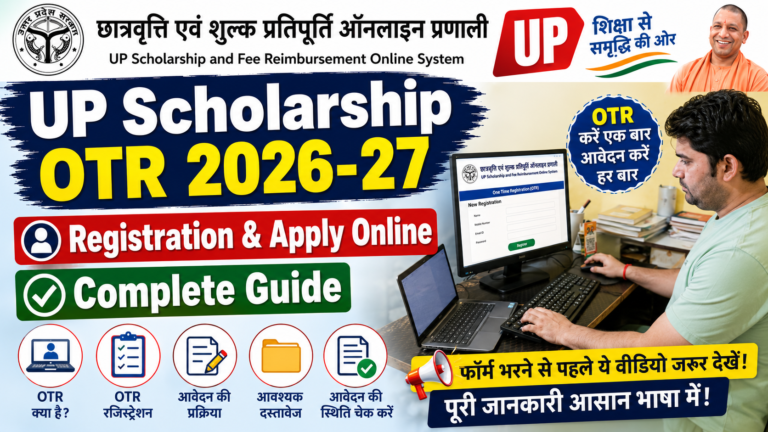
Step 3: Student Registration करें
अगर आप पहली बार application कर रहे हैं और registration required है, तो portal पर उपलब्ध Student Registration option खोलें।
Registration करते समय portal द्वारा मांगी गई information भरें।
इसमें application category, course/class और अन्य basic details मांगी जा सकती हैं।
Registration submit करने से पहले information check करें।
Step 4: Registration Number सुरक्षित रखें
Registration पूरा होने के बाद portal द्वारा registration/application related number दिया जा सकता है।
इस number को सुरक्षित रखें।
आप:
Screenshot ले सकते हैं।
Number लिखकर रख सकते हैं।
Acknowledgement save कर सकते हैं।
आगे login और application status check करते समय इसकी जरूरत पड़ सकती है।
Step 5: Student Login करें
Registration के बाद portal पर उपलब्ध Student Login option खोलें।
अपने registered credentials के अनुसार login करें।
यदि portal OTP या अन्य verification मांगता है तो उसे complete करें।
Login के बाद student dashboard खुल जाएगा।
Step 6: Fresh या Renewal Application चुनें
Login के बाद अपनी स्थिति के अनुसार:
Fresh या Renewal
application option चुनें।
अगर आपने पिछले academic session में scholarship प्राप्त की थी और current session में renewal लागू है, तो गलत तरीके से Fresh application न करें।
Step 7: Student Personal Details भरें
अब application form में student की personal information भरें।
उदाहरण:
Field
Sample
Student Name
राहुल कुमार
Father Name
सुरेश कुमार
Mother Name
सीमा देवी
Date of Birth
15/06/2005
Gender
Male
Mobile Number
98XXXXXX21
State
Uttar Pradesh
District
Etah
यह केवल form filling example है। Actual application में अपनी वास्तविक जानकारी भरें।
Step 8: Aadhaar Details भरें
Application में Aadhaar से संबंधित information मांगी जा सकती है।
जहाँ required हो वहाँ अपनी सही Aadhaar information दर्ज करें।
नाम और अन्य details में mismatch होने पर application process में समस्या आ सकती है।
Aadhaar number को केवल official scholarship portal या authorized process में ही दर्ज करें।
Step 9: Caste Certificate की जानकारी भरें
यदि आपकी scholarship scheme में caste certificate required है तो certificate की details सही तरीके से भरें।
Application में category/caste से संबंधित fields दिखाई दे सकती हैं।
अपनी category वही दर्ज करें जो आपके valid records और applicable rules के अनुसार सही है।
Image Prompt: Realistic UP Scholarship application screen showing caste category and caste certificate details fields, fictional data, Hindi government portal, student scholarship form, educational screenshot, 16:9
Step 10: Income Certificate की जानकारी भरें
Scholarship application में income certificate की information मांगी जा सकती है।
Certificate Number और अन्य details यदि portal में मांगी जाएं तो अपने valid certificate के अनुसार भरें।
Income details में गलत information न डालें।
Step 11: Domicile Certificate की जानकारी भरें
अगर scholarship scheme में domicile/residence certificate की details required हैं तो अपने valid certificate के अनुसार information भरें।
नाम, certificate number और अन्य information documents से मिलाकर दर्ज करें।
Step 12: Bank Account Details भरें
Scholarship payment के लिए bank account details बहुत महत्वपूर्ण होती हैं।
Portal पर मांगी गई bank information जैसे:
Bank Name
Account Number
IFSC
Account Holder Name
आदि को अपने bank records के अनुसार भरें।
Account Number और IFSC भरते समय विशेष सावधानी रखें।
गलत bank details होने पर payment में समस्या हो सकती है।
Step 13: School या College Details भरें
अब अपने school, college या institution से संबंधित information भरें।
इसमें portal के अनुसार:
Institution Name
District
Course
Class/Year
Registration details
Fee details
जैसी information मांगी जा सकती है।
Institution details carefully select करें।
अगर college/institution list में available है तो सही institution चुनें।
Step 14: Course और Academic Details भरें
अपने current course और academic year की सही information दर्ज करें।
उदाहरण:
Course: B.A. Year: First Year Academic Session: Current applicable session
अपने actual course के अनुसार information भरें।
गलत course या year select करने से application में problem हो सकती है।
Step 15: Previous Examination Details भरें
जहाँ previous examination की information मांगी जाए वहाँ अपने previous class/exam की वास्तविक details भरें।
उदाहरण:
Previous Class: Class 12 Passing Year: 2025 Marks: Actual marks Result: Passed
Marks या result की गलत information न डालें।
Step 16: Fee Details भरें
यदि portal fee details मांगता है तो अपने institution द्वारा दी गई actual fee information के अनुसार form भरें।
Fee information अनुमान से न भरें।
यदि college/institution से fee receipt या related document मिला है तो उससे information मिलाकर दर्ज करें।
Step 17: Photograph और Documents Upload करें
अब portal पर मांगे गए photograph और documents upload करें।
Upload करने से पहले:
Photograph clear हो।
Document readable हो।
सही file upload करें।
File format check करें।
File size portal की limit के अंदर हो।
Upload के बाद preview check करें।
Step 18: पूरा Application Preview Check करें
Final submit से पहले application preview को ध्यान से check करें।
विशेष रूप से:
Student Name
Father Name
Mother Name
Date of Birth
Aadhaar details
Caste details
Income details
Domicile details
Bank Account
IFSC
College
Course
Class/Year
Fee
Uploaded Documents
सभी information सही होने के बाद ही final submission की प्रक्रिया पूरी करें।
Step 19: Final Submit करें
Application की सभी details सही होने के बाद portal पर available final submit option का उपयोग करें।
Final submission के बाद application में बदलाव की सुविधा सीमित हो सकती है या correction window का इंतजार करना पड़ सकता है।
इसलिए final submit से पहले पूरी application दोबारा check करें।
Step 20: Application Print निकालें
Application submit होने के बाद portal पर available Print Application / Printout option का उपयोग करें।
Application form का print निकालकर सुरक्षित रखें।
जहाँ institution द्वारा hard copy मांगी जाती है, वहाँ printed application और required documents school/college में जमा करें।
Institution की current instructions जरूर check करें।
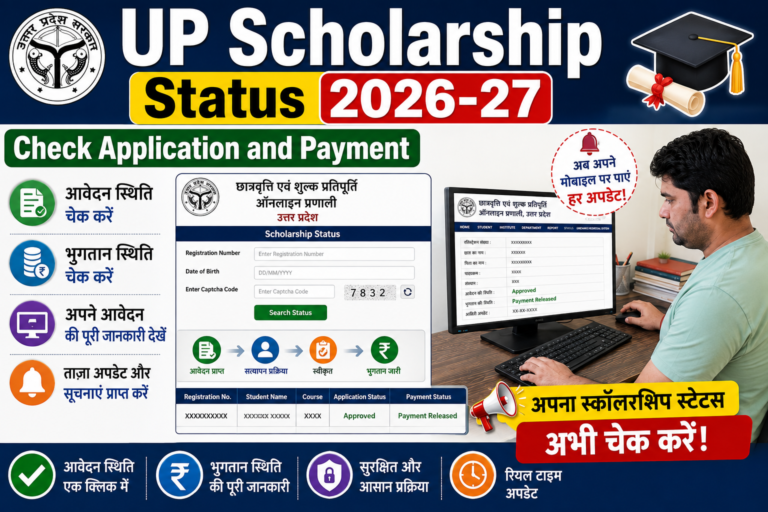
UP Scholarship Application Status कैसे Check करें?
Application submit करने के बाद student अपने application का status check कर सकता है।
Official scholarship portal पर उपलब्ध Application Status / Status option खोलें।
Required information जैसे registration/application number और अन्य details दर्ज करें।
इसके बाद application की current status information देखें।
UP Scholarship में Verification क्या होता है?
Application submit होने के बाद scholarship application की verification process हो सकती है।
Verification में student की information, documents, institution details और अन्य required information check की जा सकती है।
यदि application में कोई समस्या या discrepancy मिलती है तो portal/institution द्वारा applicable action या correction की जानकारी दी जा सकती है।
Scholarship Payment Status कैसे Check करें?
Application approval और applicable processing के बाद scholarship payment की स्थिति check की जा सकती है।
Payment status check करने के लिए official scholarship portal या applicable government payment/status facility का उपयोग करें।
Bank account details सही रखना बहुत जरूरी है।
UP Scholarship Application में Correction कैसे करें?
अगर application में गलती हो गई है तो correction की सुविधा current scholarship process और correction schedule पर निर्भर करती है।
Portal पर correction window उपलब्ध होने पर निर्धारित समय में correction करें।
Correction के बाद application को फिर से submit/lock करने की requirement हो सकती है।
गलत information मिलने पर बिना official correction process के नया application बनाना सही तरीका नहीं है।
Fresh और Renewal में अंतर
Fresh
Renewal
नए/eligible fresh applicants के लिए
पहले scholarship application वाले eligible students के लिए
नया registration/application process हो सकता है
Previous application details का उपयोग हो सकता है
Current eligibility लागू होगी
Renewal eligibility लागू होगी
पहली बार application करने वालों के लिए सामान्यतः उपयोगी
पिछले session के eligible students के लिए
Final selection हमेशा current academic session के portal instructions के अनुसार करें।
UP Scholarship Application Reject क्यों हो सकता है?
Application reject या objection का कारण अलग-अलग हो सकता है।
कुछ संभावित कारण:
गलत student information
गलत caste/category
Income Certificate में समस्या
Domicile details में mismatch
Aadhaar information mismatch
गलत bank account
गलत IFSC
institution details में गलती
गलत course/year
incomplete documents
unclear documents
eligibility requirements पूरी न होना
verification में information match न होना
Application पर कोई objection/rejection reason दिखाई दे तो उसे ध्यान से पढ़ें।
Scholarship Form भरते समय होने वाली सामान्य गलतियां
Bank Account Number गलत भरना
Bank details submit करने से पहले passbook या official bank record से check करें।
IFSC गलत डालना
IFSC में एक character की गलती भी payment-related problem पैदा कर सकती है।
Name Mismatch
Student का नाम Aadhaar, certificates और scholarship application में जहां required हो, वहां सही और consistent होना चाहिए।
गलत Course चुनना
Current course और year के अनुसार सही option select करें।
गलत Fresh/Renewal चुनना
अपनी स्थिति के अनुसार सही application type चुनें।
Documents साफ नहीं होना
Blur या unreadable document upload करने से verification में समस्या हो सकती है।
Final Submit बिना Check किए करना
Final submission से पहले पूरा form preview जरूर करें।
UP Scholarship के लिए जरूरी सावधानियां
केवल official scholarship portal का उपयोग करें।
अपनी personal information सही भरें।
Aadhaar और bank details ध्यान से दर्ज करें।
किसी अनजान व्यक्ति को OTP न बताएं।
Password share न करें।
Application Number सुरक्षित रखें।
Application print/acknowledgement save करें।
Institution द्वारा मांगी गई hard copy समय पर जमा करें।
Scholarship की current dates और instructions check करते रहें।
SNCEC Digital Seva से UP Scholarship Online Apply में सहायता
अगर आपको UP Scholarship Online Apply करने में परेशानी हो रही है, तो SNCEC Digital Seva पर scholarship form filling और online application में सहायता ली जा सकती है।
फॉर्म भरवाते समय अपने original documents और सही information साथ रखें, ताकि application में सही details दर्ज की जा सकें।
Frequently Asked Questions (FAQ)
UP Scholarship Portal क्या है?
UP Scholarship and Fee Reimbursement Online System उत्तर प्रदेश में scholarship और fee reimbursement से संबंधित online application portal है।
UP Scholarship Online Apply कहाँ करें?
Scholarship application के लिए official UP Scholarship Portal का उपयोग करें:
Fresh application सामान्यतः उन eligible students के लिए होता है जिनके लिए current session में fresh application लागू है।
UP Scholarship Renewal क्या है?
Renewal application उन eligible students के लिए होता है जिनका previous scholarship record है और current session में renewal applicable है।
UP Scholarship के लिए कौन-कौन से documents चाहिए?
Documents scheme, class, course और category के अनुसार अलग हो सकते हैं। सामान्य रूप से Aadhaar, Income Certificate, Caste Certificate, Domicile Certificate, bank details और educational information की आवश्यकता हो सकती है।
क्या Aadhaar जरूरी है?
Scholarship application में Aadhaar-related details/verification की requirement scheme और current portal process के अनुसार हो सकती है।
Bank Account किसका होना चाहिए?
Bank account से संबंधित requirement current scholarship rules और portal instructions के अनुसार check करें। Application में bank details बिल्कुल सही दर्ज करें।
Scholarship Application Status कैसे Check करें?
Official scholarship portal पर available status option में required application/registration details दर्ज करके status check किया जा सकता है।
Scholarship Form में गलती हो जाए तो क्या करें?
यदि official correction window उपलब्ध है तो निर्धारित समय में correction करें। Correction के लिए portal पर दिए गए current instructions follow करें।
Scholarship Form का Print कैसे निकालें?
Application submit करने के बाद portal पर उपलब्ध print/application print option से application का print निकाला जा सकता है।
Scholarship Payment कब मिलता है?
Payment application approval, verification और applicable government processing पर निर्भर करता है। कोई fixed date मानकर न चलें।
Scholarship Application Reject हो जाए तो क्या करें?
सबसे पहले application में दिया गया rejection/objection reason देखें और current instructions के अनुसार correction या अन्य आवश्यक action करें।
क्या Mobile से UP Scholarship Apply कर सकते हैं?
हाँ, mobile browser से portal access किया जा सकता है। लेकिन लंबे forms और document upload के लिए computer या laptop अधिक सुविधाजनक हो सकता है।
क्या Scholarship के लिए Income Certificate चाहिए?
कई scholarship schemes में income certificate की आवश्यकता हो सकती है। यह आपकी scheme और eligibility पर निर्भर करता है।
क्या Caste Certificate और Domicile Certificate जरूरी हैं?
इनकी requirement scholarship category और current application rules पर निर्भर करती है। Application form में मांगी गई requirements को जरूर देखें।
निष्कर्ष
UP Scholarship Online Apply करते समय सबसे जरूरी बात है कि application में सही information दर्ज की जाए और current scholarship rules के अनुसार documents तैयार रखे जाएं।
सबसे पहले official UP Scholarship Portal खोलें, अपनी scholarship category चुनें, registration/login करें और Fresh या Renewal application select करें। इसके बाद student details, Aadhaar, caste, income, domicile, bank, institution और course की जानकारी सही तरीके से भरें।
Documents upload करने के बाद पूरा application preview check करें और फिर final submit करें। Application Number और print/acknowledgement को सुरक्षित रखें। आगे application status और payment status भी check करते रहें।